Zapier integration
Information provided in this guide should help you to connect & setup Zapier with iDenfy. Below you'll find step-by-step intructions on how to make Zapier connection with iDenfy. Also an example of Shopify - iDenfy integration is provided, though it is possible to connect any other Zapier supported application with iDenfy.
Zapier connection
1. Register and login into Zapier
Simply complete the registration in the Zapier platform and start a new project. Related topics you might want to explore before making first connection/zap:
2. Create new automation/zap
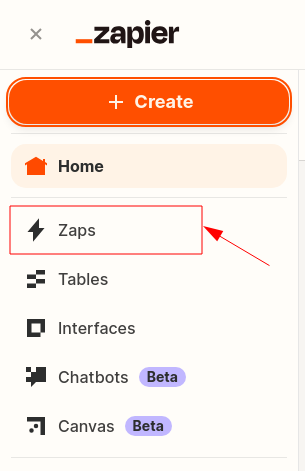
Once logged in, navigate to the top-left and hit + Create button, then Zaps, as shown in the screenshot below:
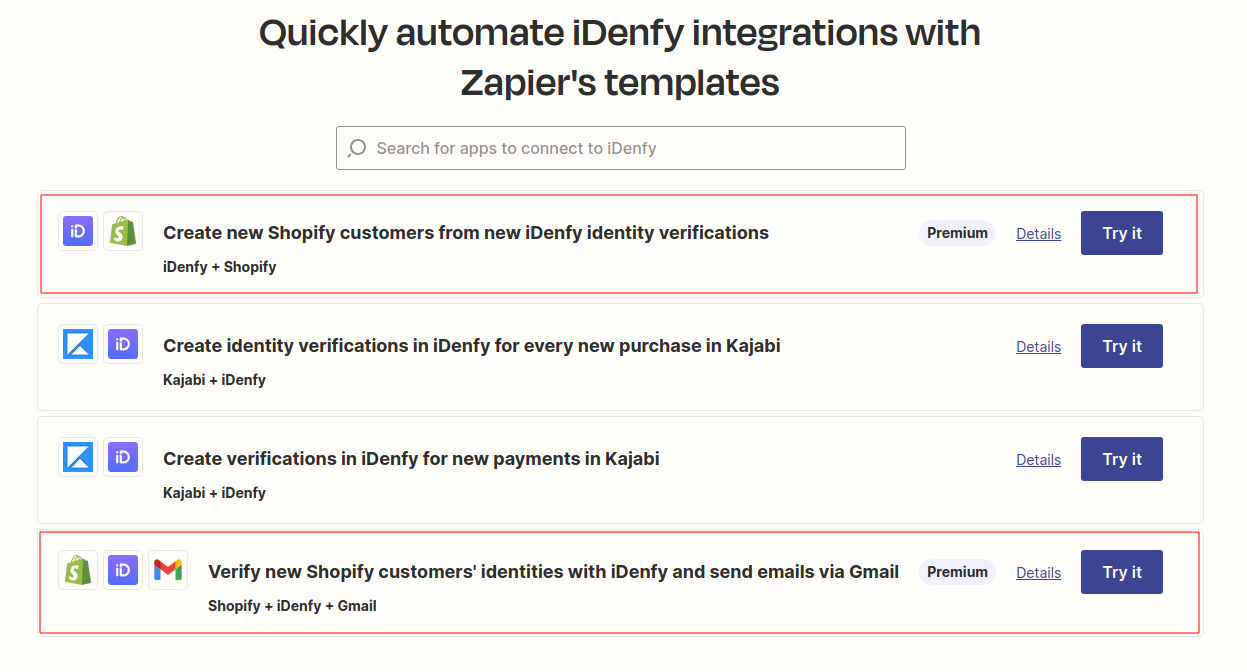
Alternatively, you can explore and use the pre-made Zapier's templates, such as iDenfy - Shopify, provided in the example below.
3. Authorize the connection to iDenfy
When new iDenfy step is created, after completing App & event section, proceed to Account tab, on it, press Sign in button.
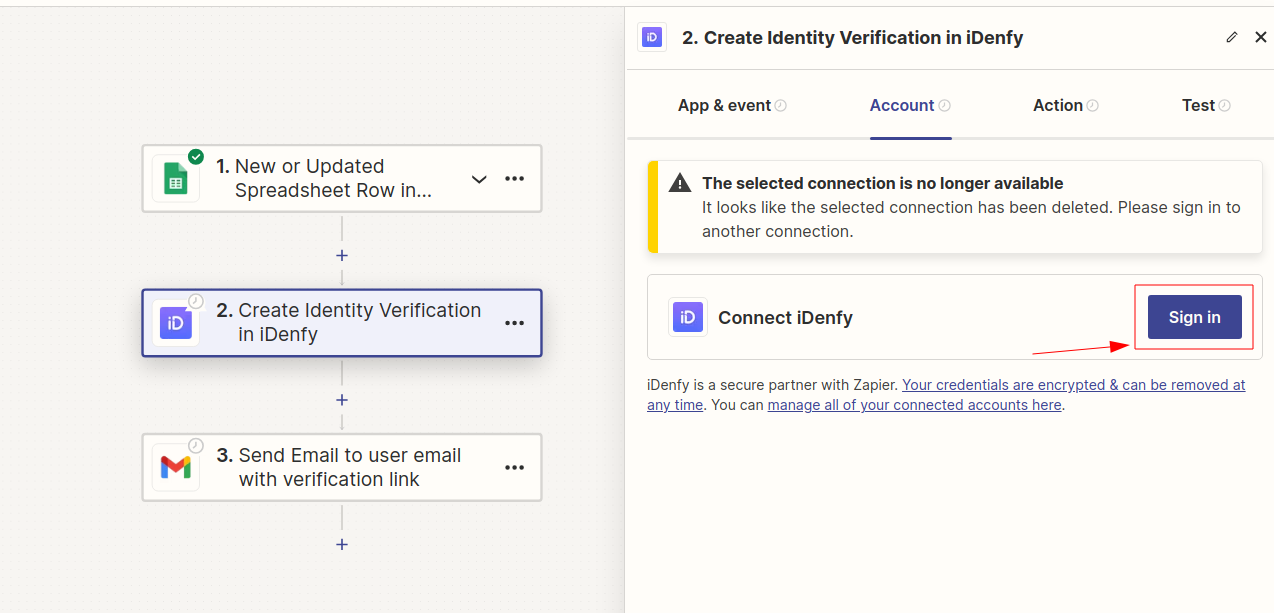
Action number & what event was selected on App & event tab doesn't matter, as this step is intended to explain how to authorize Zapier connect to iDenfy.
To complete authorization successfully, provide:
- API key as Username (no. 1 in the example below),
- API secret as Password (no. 2 in the example below).
You can manage your environment API key(s) and secret(s), on iDenfy's side, by navigating to Settings -> API keys.
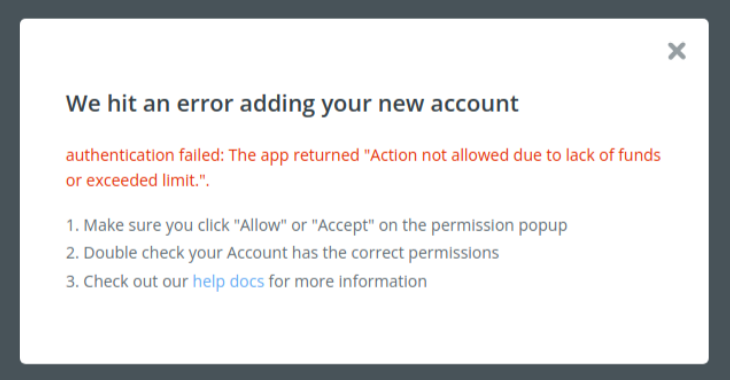
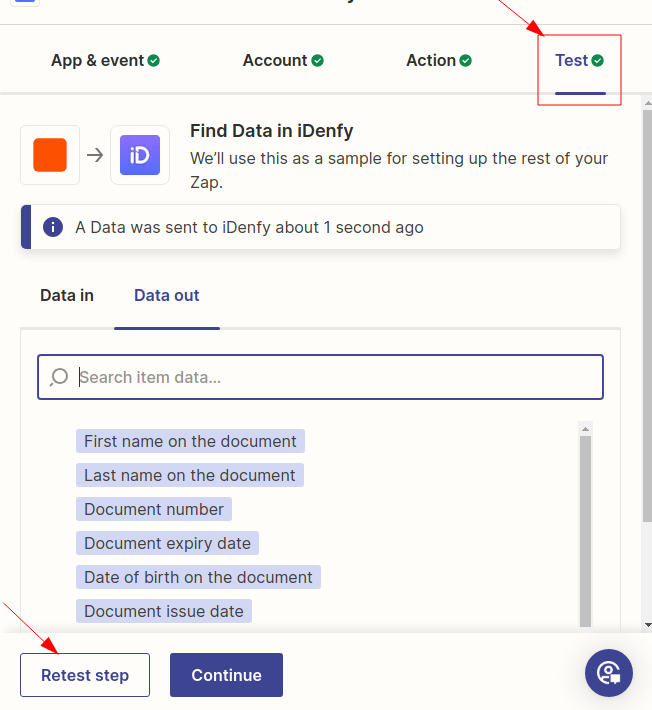
4. Complete the test
Complete tests for each individual action, example screenshot is attached below, add/set other actions (if there's a need) and publish the connection/zap itself.
Identity verification in Shopify with Zapier
Integration examples with an already made zaps/connections are provided in the Zapier's templates.
In our blog, you will learn how to integrate identity verification into your e-commerce website powered by Shopify within ~15 minutes.